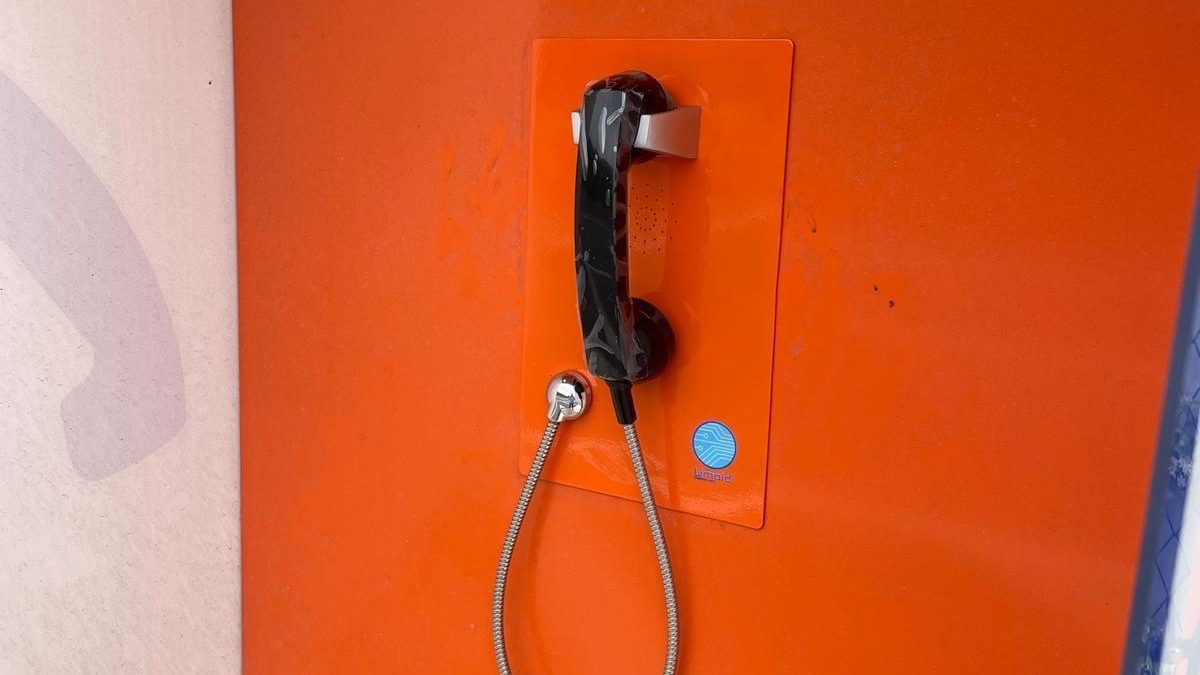

PoE (Power over Ethernet) carries data and power over the same network cable. Limpid emergency telephones are powered over IEEE 802.3af and 802.3at PoE, so no separate power line is needed at the telephone. The copper cable between the telephone and the PoE switch can be up to 100 metres long.
How does PoE work?
A PoE-capable switch, or a PoE injector added to the network line, sends power to the telephone along with the data on the cable. As soon as the cable is plugged in, the telephone connects to the network and starts working.
802.3af and 802.3at
| Standard | Also known as | Max. from switch port | Max. at device |
|---|---|---|---|
| IEEE 802.3af | PoE | 15.4 W | 12.95 W |
| IEEE 802.3at | PoE+ | 30 W | 25.5 W |
Limpid emergency telephones support both standards. The switch's total PoE power (PoE budget) should be chosen to cover all the devices connected to it.
Installation steps
- Cable: use Cat5 or Cat6 network cable. A single copper run between the telephone and the switch must not exceed 100 metres.
- Switch: use a PoE-capable switch or a PoE injector. In long tunnels, switches are placed close to the telephones, for example in emergency niches or cabinets, and linked by a fiber backbone.
- Connection: the telephone connects to the network via RJ45. Where the cable enters through a cable gland, tightening the gland correctly is needed to keep the telephone's IP rating.
- Network settings: the telephone can obtain its IP address via DHCP. VLAN and QoS (IEEE 802.1Q/p) are supported to prioritize voice traffic.
- PBX registration: the telephone is registered with the SIP PBX through its web interface; see the SIP emergency telephone note for details.
During a power cut
A PoE-powered telephone depends on the switch's power. To keep working during a power cut, the switch must be connected to an uninterruptible power supply (UPS). A single UPS then powers every telephone on that switch; no separate backup is needed at each telephone.
Without PoE
Where PoE is not available, Limpid emergency telephones also run on a 9–24 V DC, 1 A adapter. In that case a separate power line is run to the telephone alongside the network cable.