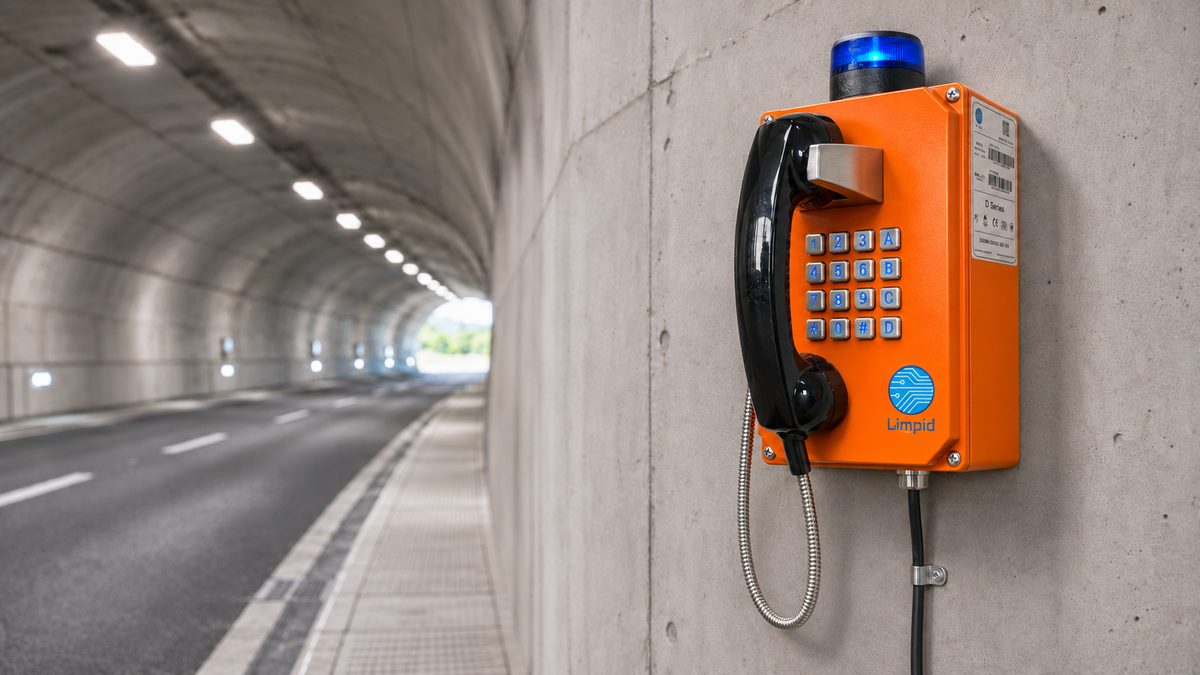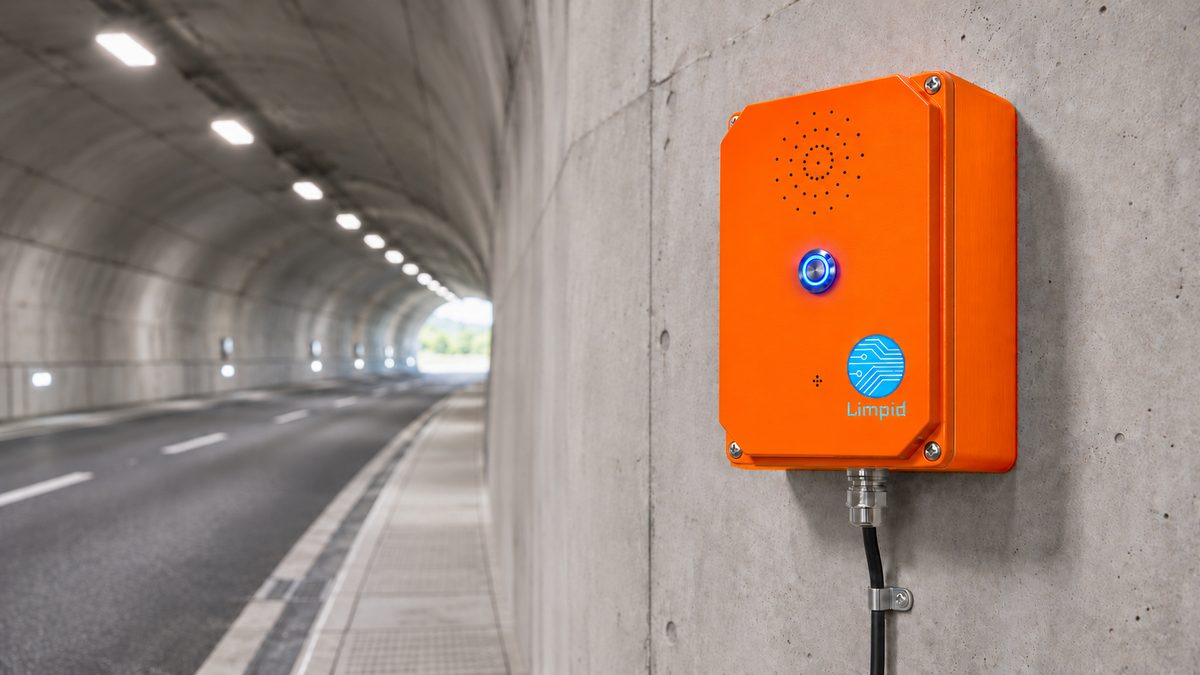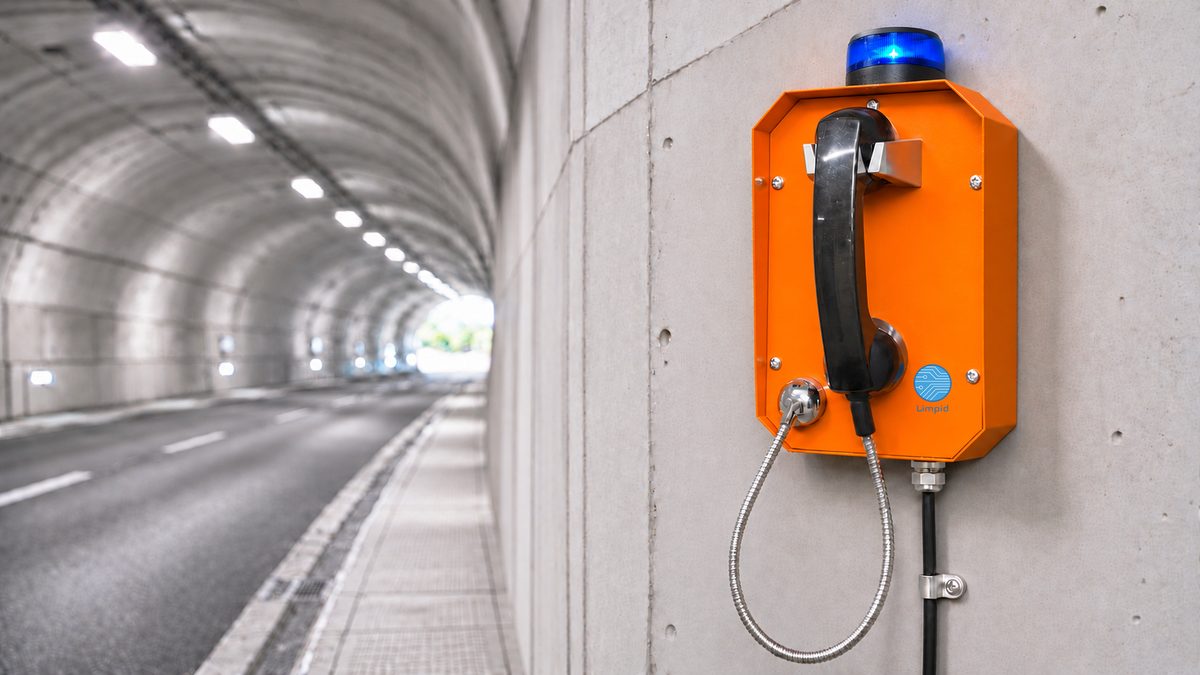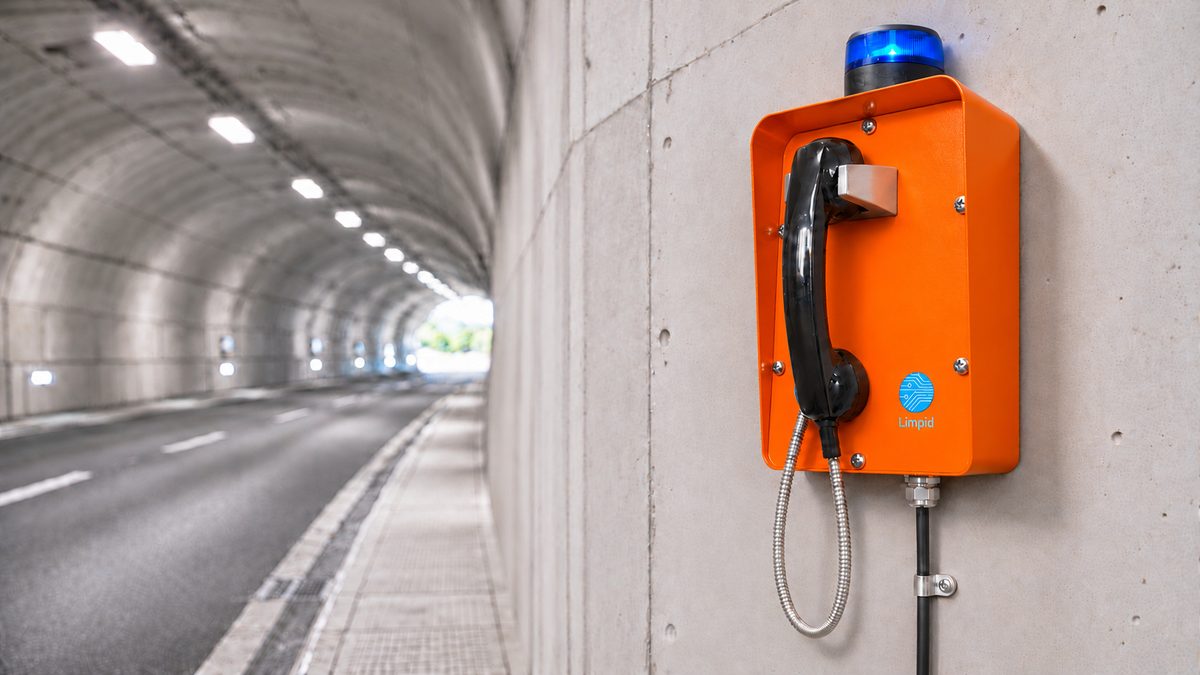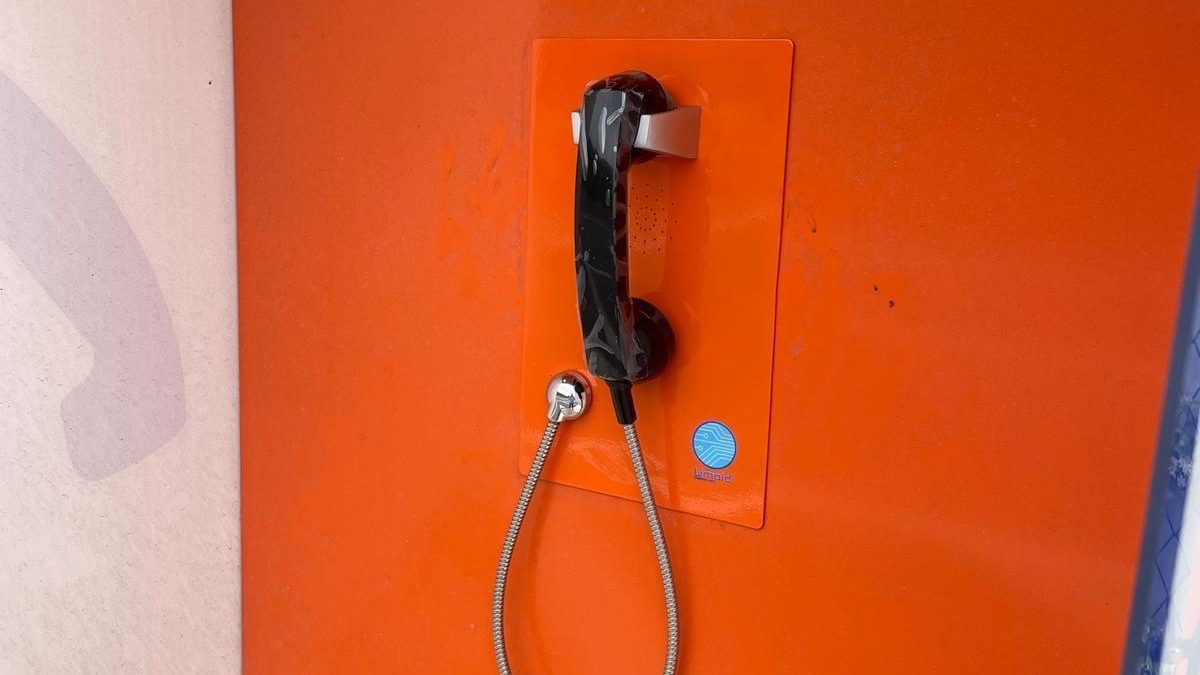
The code starts with the telephone series, followed by letters for the selected hardware: H handset, a number plus B for the button count (e.g. 2B), K 4×4 keypad, F flashor. For example, D - H - KF is a D Series telephone with handset, keypad and flashor. Color is not part of the code; it is given separately as a RAL code.
How the code is built
The code produced on the Product Design page has three parts: SERIES - [handset and buttons] - [keypad and flashor]. A part that is not selected is left out.
| Letter | Meaning | Example |
|---|---|---|
| H | Handset | D - H |
| nB | n buttons (1–4) | S-109 - 2B |
| K | 4×4 keypad | D - H - K |
| F | Flashor | S-111 - H - F |
Series codes
| Code | Series | Options |
|---|---|---|
| D | D Series | Handset, buttons, keypad, flashor |
| DS | DS Series | Buttons only (no handset) |
| ALT | ALT Series | Handset, buttons, keypad |
| S-109 | S-109 | Handset, buttons, keypad, flashor |
| S-111 | S-111 | Handset, buttons, keypad, flashor; hooded enclosure |
| S | S Series | Handset, buttons, keypad |
Selection rules
- The keypad (K) can only be selected on a handset model.
- A model with a keypad takes no additional buttons.
- A push-button model (no handset) has at least 1 button; any model has at most 4.
- The DS Series has no handset, keypad or flashor; the ALT and S Series have no flashor.
How codes match the model names on product pages
Product pages show common combinations with short model names. Their design codes are:
| Model name | Design code | Description |
|---|---|---|
| D | D - H | Handset only |
| D-K | D - H - K | Handset and keypad |
| D-KF | D - H - KF | Handset, keypad and flashor |
| S-109 B · S-111 B | S-109 - 1B · S-111 - 1B | Hands-free, single button |
| S-109 H · S-111 H | S-109 - H · S-111 - H | Handset |
| S-109 HF · S-111 HF | S-109 - H - F · S-111 - H - F | Handset and flashor |
| S Series B | S - 1B | Push-button |
| S Series H | S - H | Handset |
Color, enclosures and shelters
Color is not written into the code; it is given separately as a RAL code. The standard colors are traffic orange (RAL 2004), traffic yellow (RAL 1023) and traffic red (RAL 3020); any other RAL color can be chosen on request.
Enclosures, shelters and cabinets are identified by their LMD code (for example LMD-12); color and, where available, the LED option are given in addition to the code.
How do I get a code?
On the Product Design page, the code is generated as you choose the telephone and its options. You can view a scaled drawing, share or print the design, and request a quote from the same page.